Introducing Product Board: A Project Management Platform
Auth0 Hackathon Submission

I love building UI.
👋🏻 Hello readers,
Presenting ProductBoard, Our submission for Auth0 Hackathon. This time I have worked with Masoom Kumar | @shuntzhere, improving on and learning new things as the project progressed. Where I took care of the Backend, we together built the Frontend part. Finally, happy to share this with all. A huge thanks to Hashnode for holding these Hackathons.
Problems
The problem of plenty. Most applications target big teams and end up giving multiple features for simple tasks. So, for individuals, it's often tough to manage and direct an effective workflow.
Solution
Product Board
The market to keep you productive using different applications is a big one. And by far, We've struggled to keep up with so many applications. Thus, ProductBoard. We are here to manage your productivity hassle-free. And also cater to your needs, be it a small team or working alone. We have got you covered. Now, it is straightforward and maintainable.
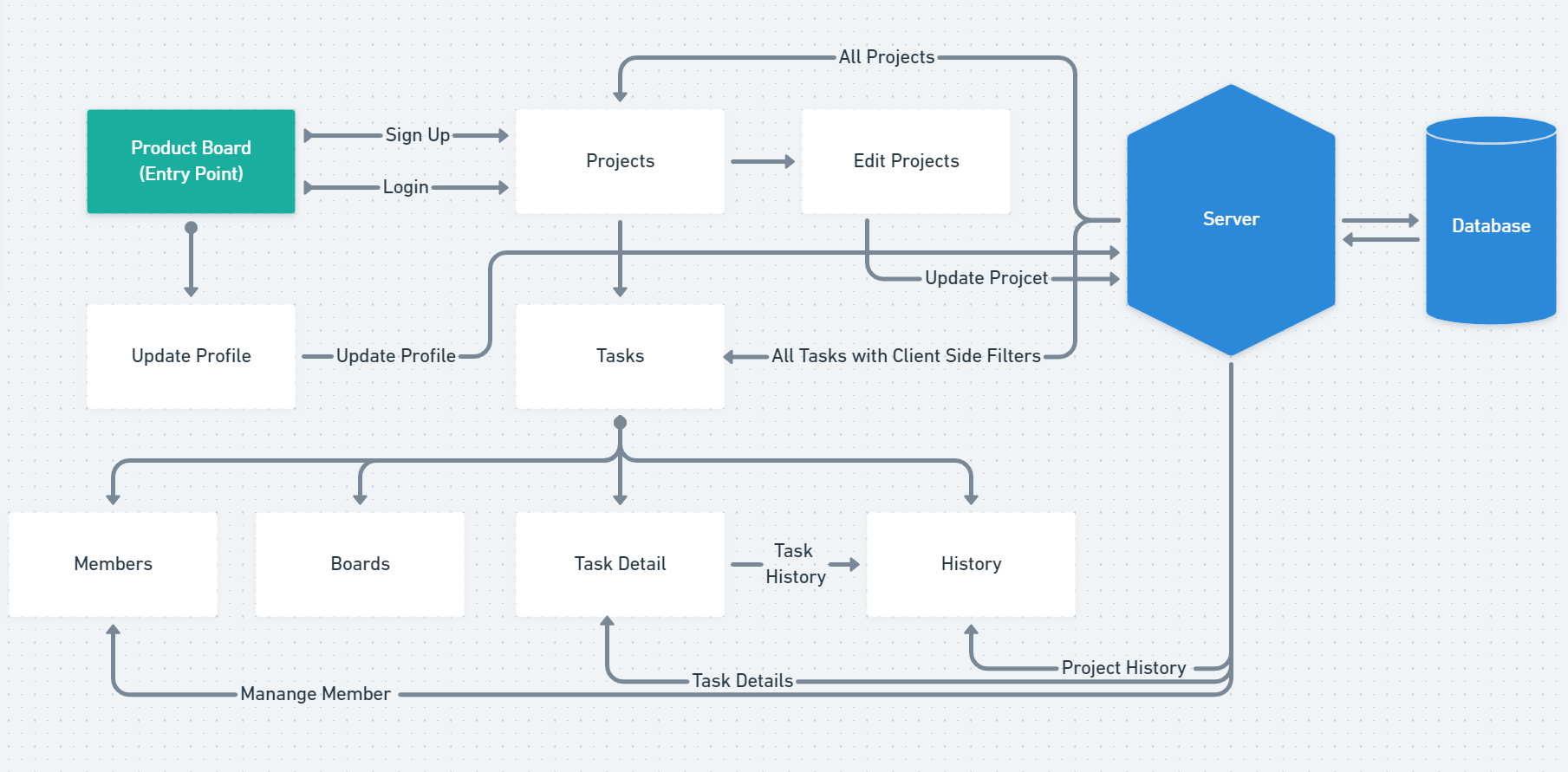
Application Flow
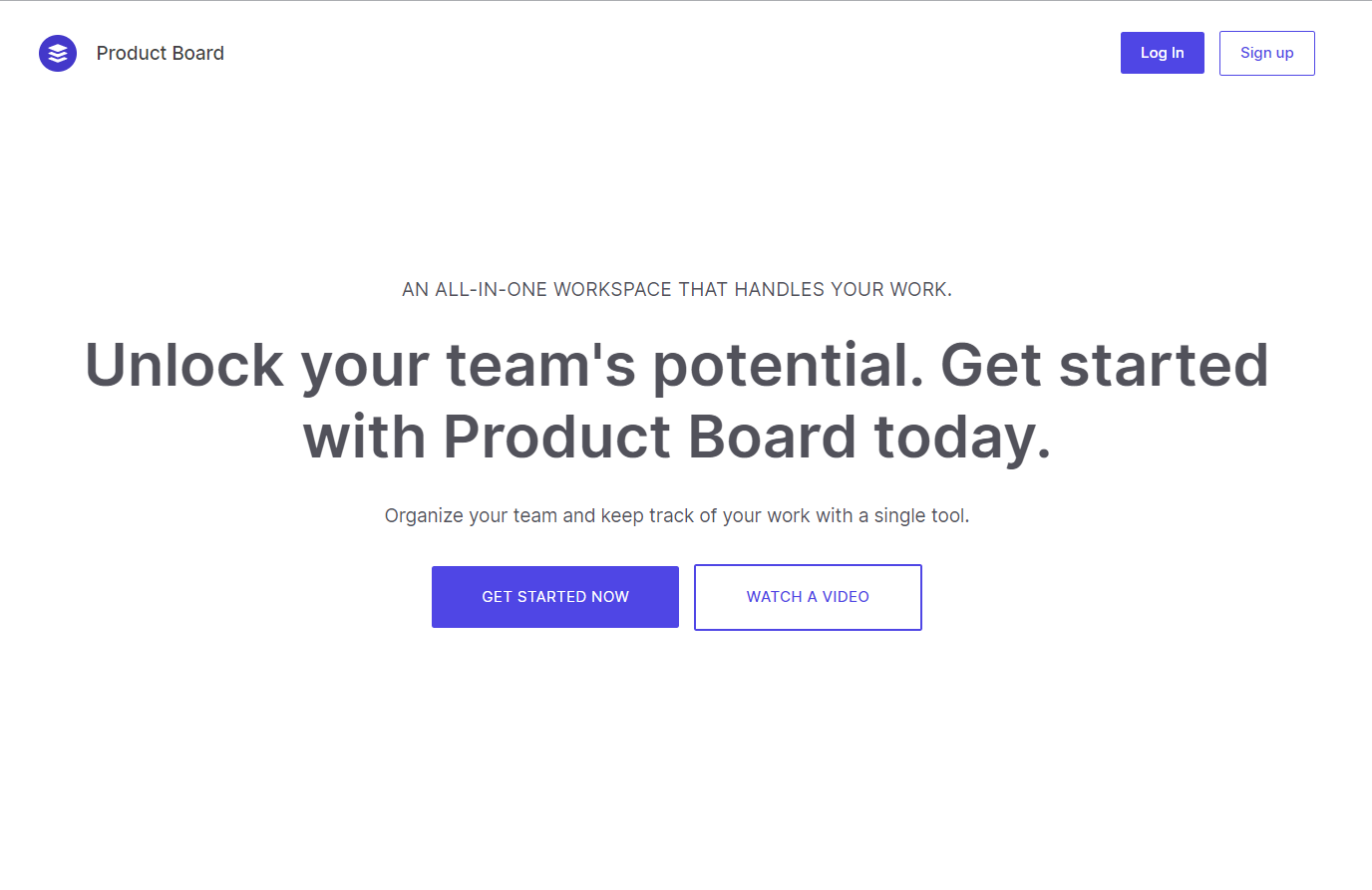
Landing Page
🤯 Features
- Live Markdown Editor
- CRUD Tasks and Projects
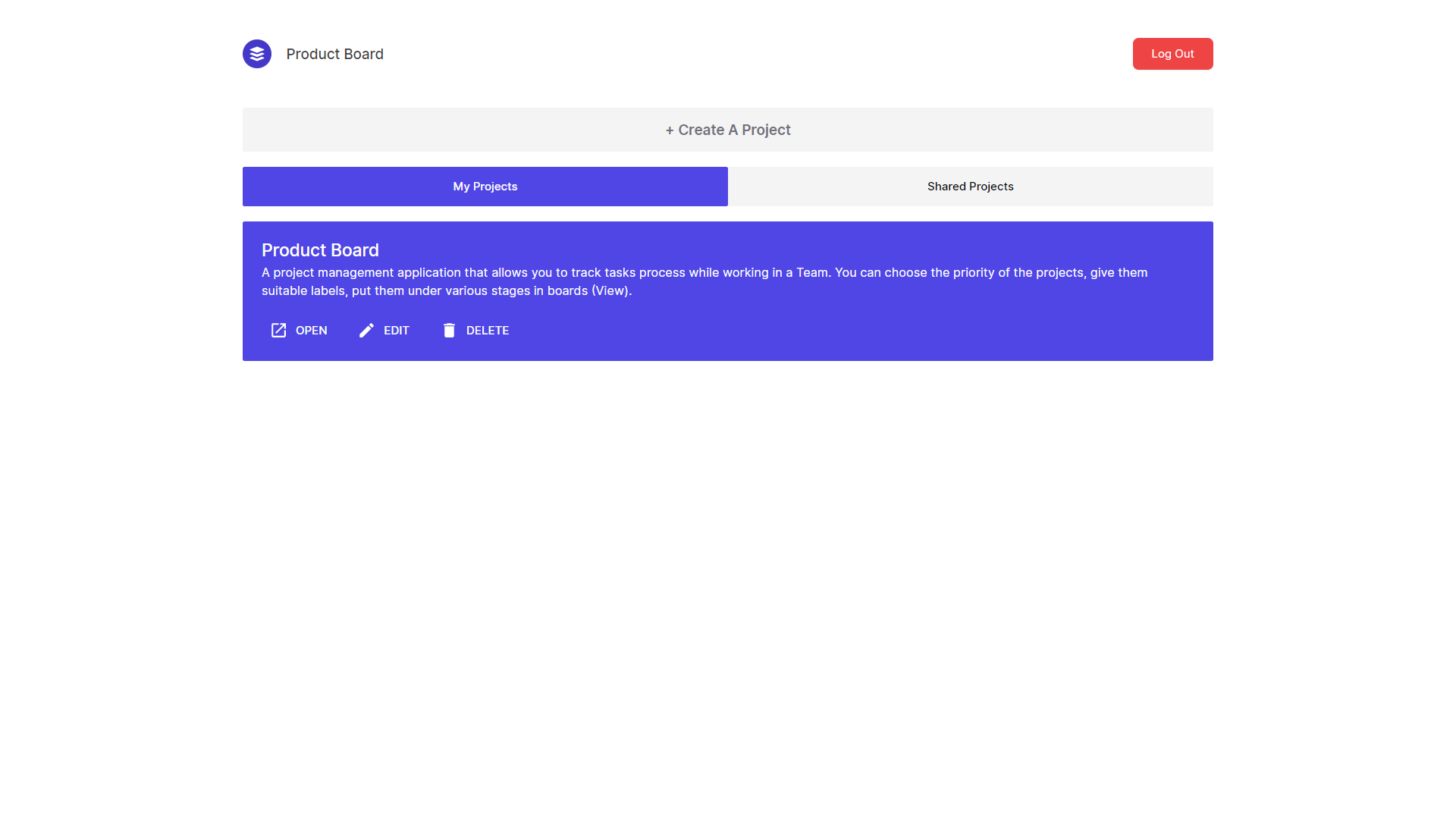
All Projects
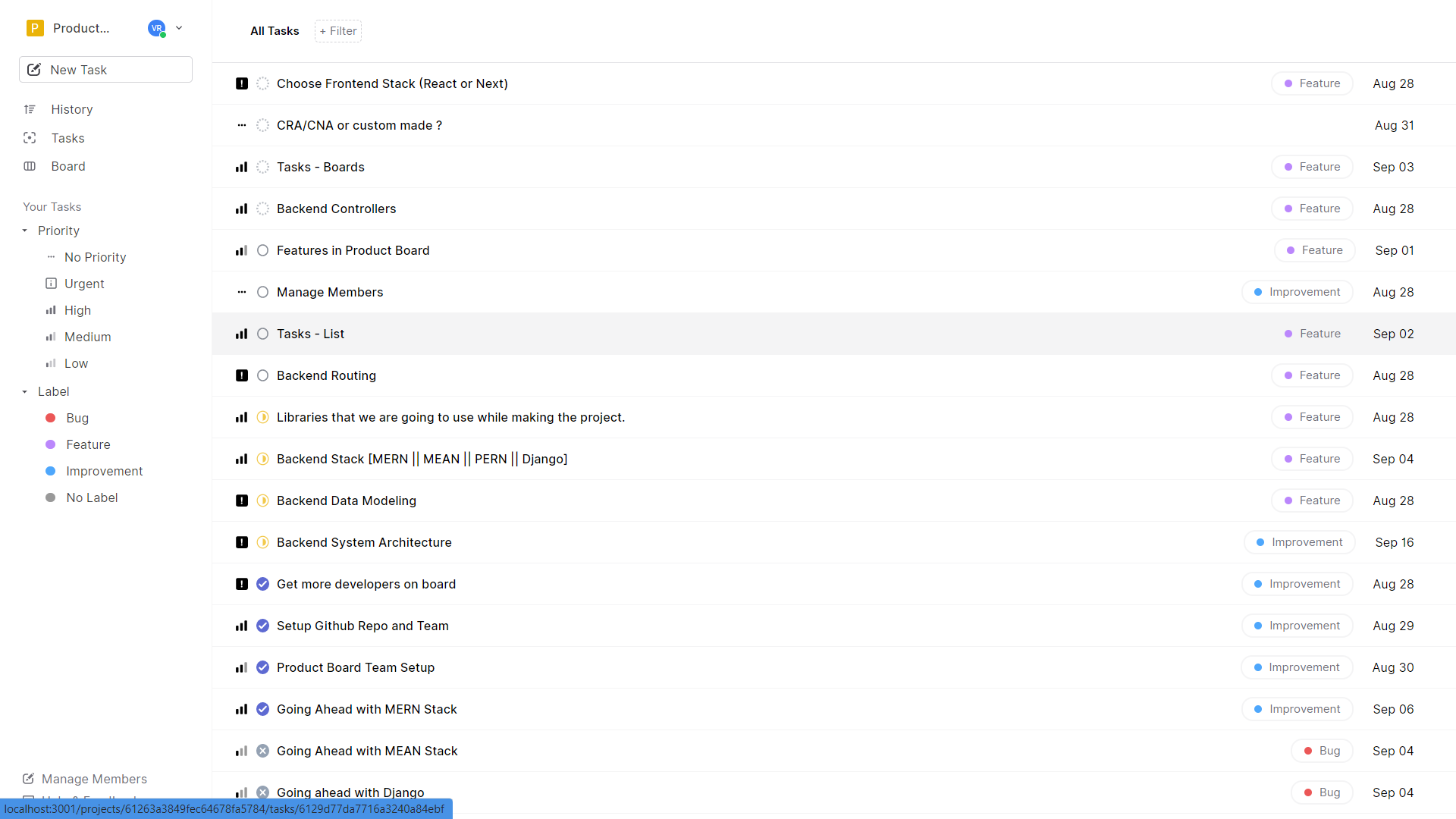
Tasks Page
Task Detail Page
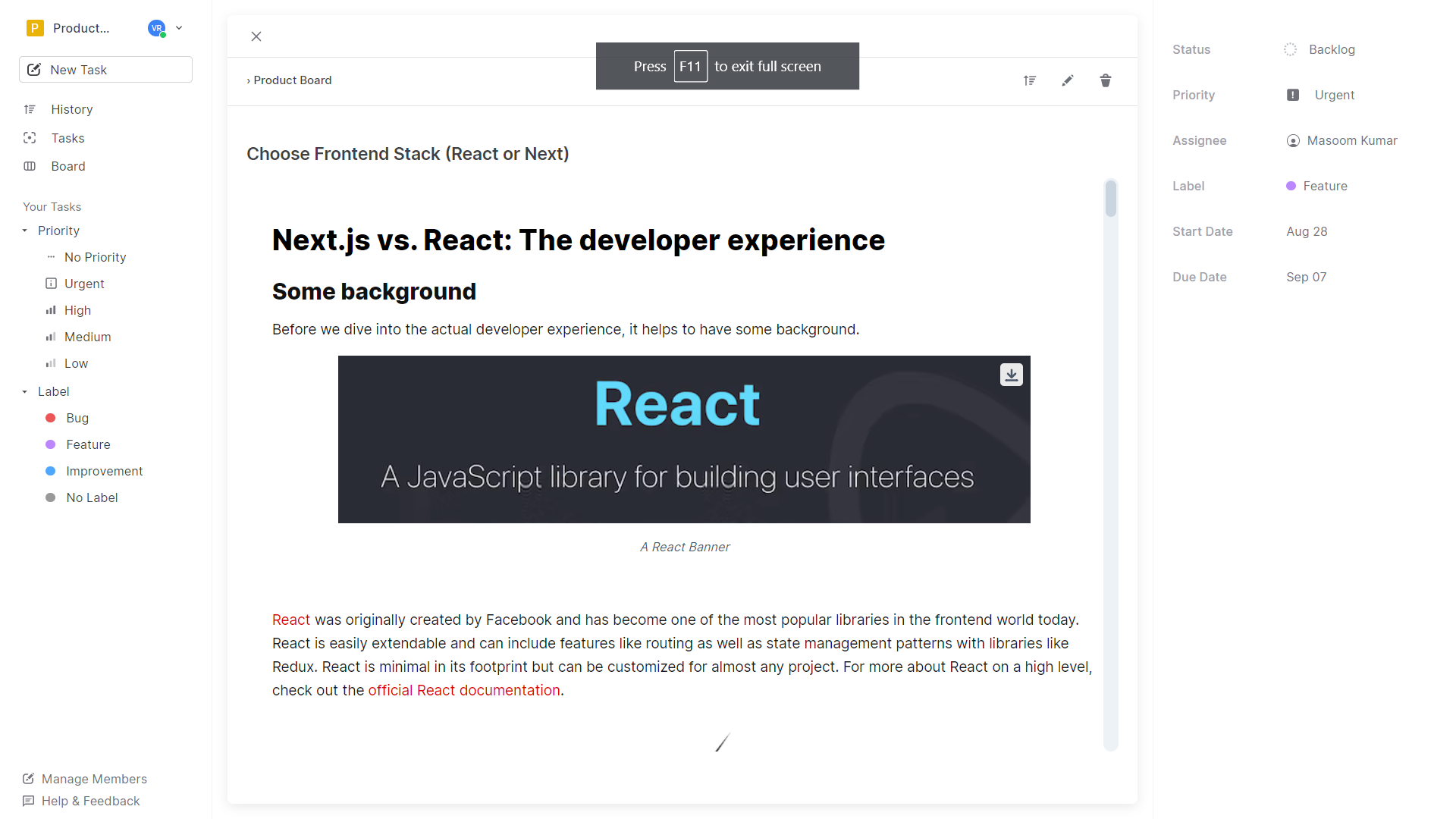
- Advanced Project History / Task History
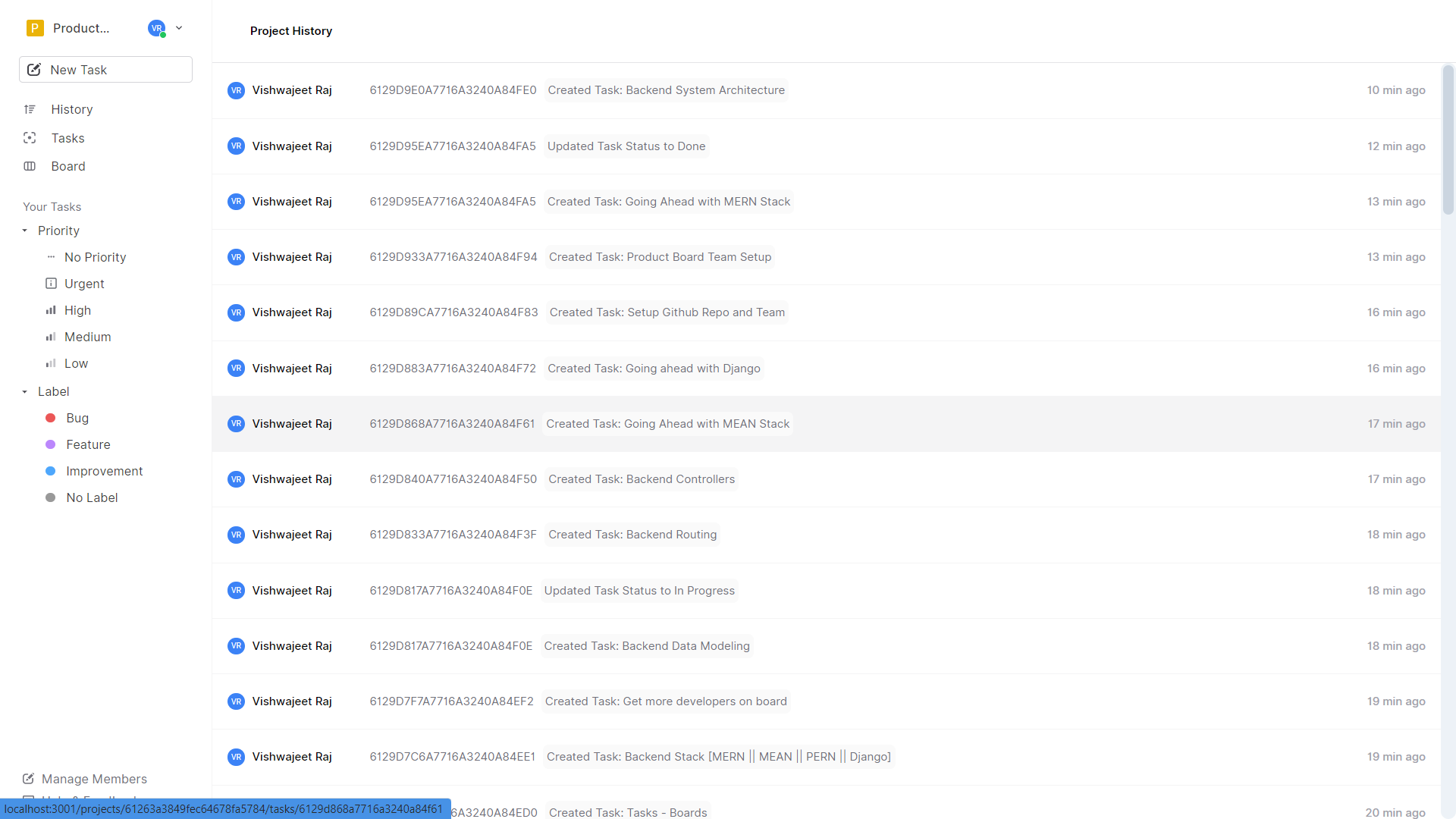
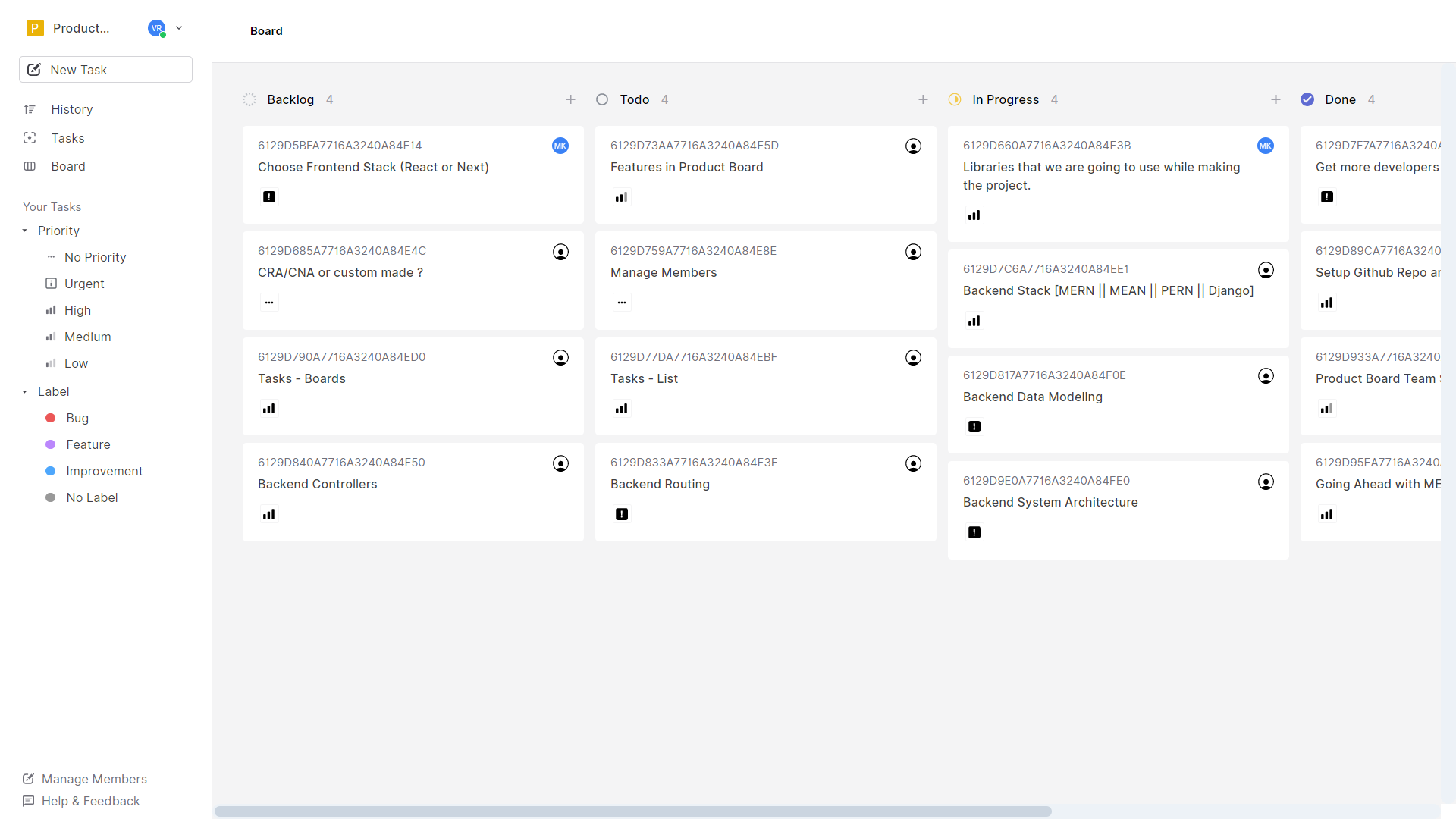
- Kanban Boards
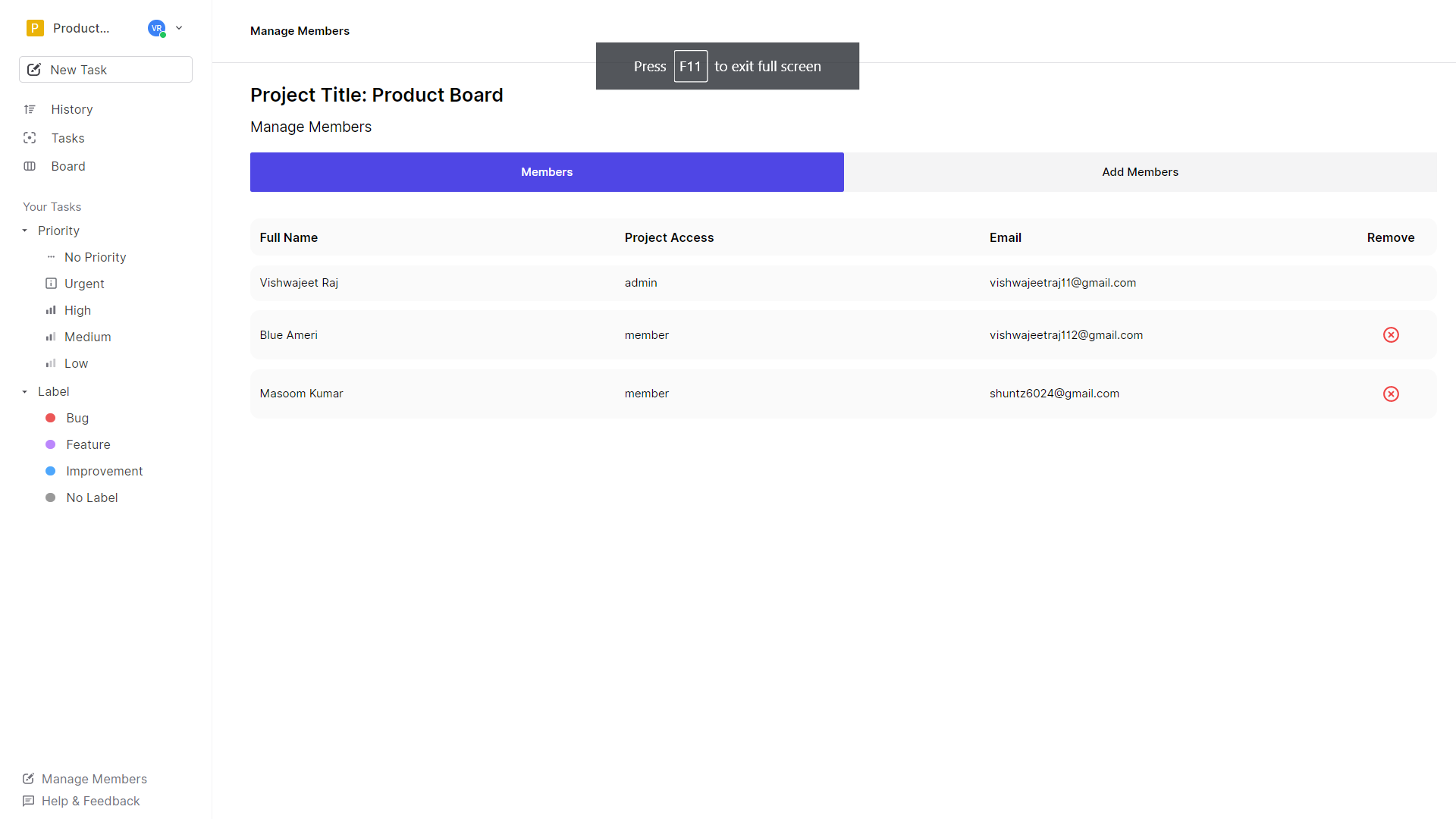
- Team Management
Add Member (only admin allowed)
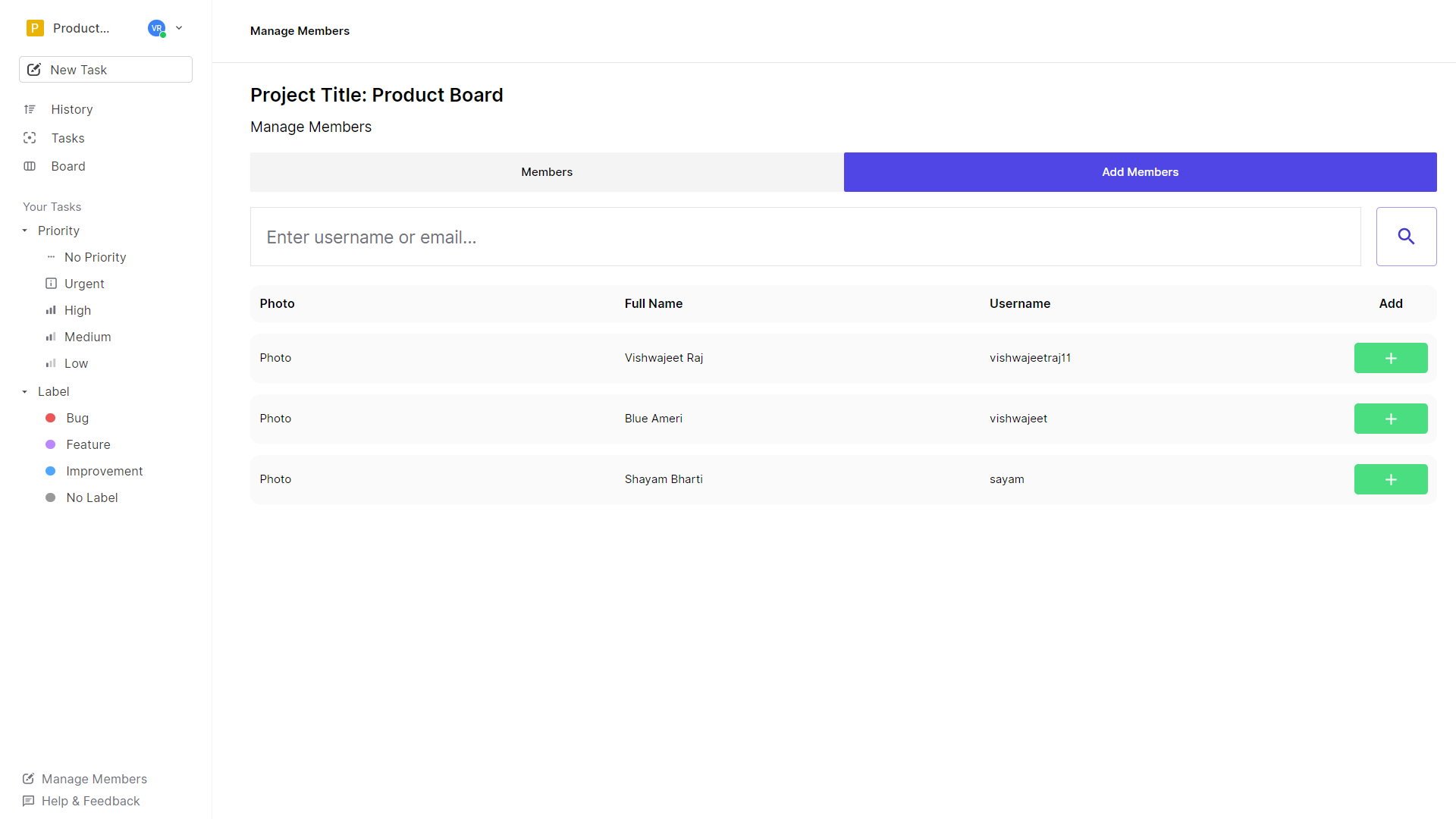
Manage Members
- Realtime Notifications
- Role-Based Access.
- Advanced Filters
Product Board Demo 💣
🛠 Tech Stack
- Frontend: React
- Backend: Node
- Database: MongoDB
- Real-time Experience: Socket.IO
- Authorization and Authentication: Auth0
⚒ What did I use to build this? 🛠
Lots of Open Source Help.
Frontend
- Material UI Components & Headless UI
- Icons: Material UI Icons and React Icons
- CSS Framework:
tailwindCSS 💙 - Form Handling:
formikandyup Auth0: Authorization and Authenticationreact-beautiful-dnd: Drag and Drop Supportaxios: API Requestsrich-markdown-editor: Live Markdown Editor
Backend
morgan: Development Logsdotenv: Reading Environment Variablesexpress: Node.js Frameworkjwt-decode,jwks-rsa,express-jwt: Handling Authorization and Authentication with Auth0socket.io: Handle Real-time Connectionscors: Handle cross-origin requestmongoose: MongoDB ODMdotenv: Manage Environment Variables
🦾 Building Product Board.
- Boiler Plate [Node, React]
- Setup: Eslint, Prettier
- MongoDB Data Modeling
- Setting up Middlewares
- Added CORS.
- Routes Structure
- Defining Controllers
- Handling Socket Events
- Did the above steps multiple times.
- Client-Side Routing
- Components, Redux Store, API endpoints, and Integrations.
- State Handling
- Finishing Touch -: Landing Page
🍾 Deployment
- Frontend: Vercel
- Backend: Heroku
🎁 Key Takeaways.
- Started Learning Typescript.
- Implementing Socket.IO
- Deploying Node.js API's on Heroku
- DB Modeling MongoDB
🥊 Problems
- Managing the DB Model for History was not going to be easy. Keeping track of history required lots of models to be grouped. It took a while to end up with a working solution.
🔮 Future Scope
- Implement Infinite Scroll (Tasks and History).
- Add More Socket Events.
- Introduce more roles for members.
- Sort, Filter, Pagination Implementation in Backend.
- Custom Workflow for Board
- Reminders (Email)
- Comments on Tasks
API Documentation
https://documenter.getpostman.com/view/10515433/TzzHmt2E
Live:
Client: https://projectboard-application.vercel.app/
Server: https://projectboard-backend.herokuapp.com/
Github Repo:
Frontend: https://github.com/vishwajeetraj11/projectboard
Backend: https://github.com/vishwajeetraj11/projectboard-backend
While I primarily made it to manage projects but it can definitely be used for many other management and collaboration purposes.


